
Download Icon Seizer – Icon Extractor, DLL Icon Extractor, Extract Icon from EXE
Overview
Icon Seizer is a specialized utility application designed for users seeking to extract and utilize embedded icons from various Windows file types. The app focuses on accessing hidden graphical elements within system and application files such as .dll, .exe, .ocx, .clp, and .drv formats. This functionality enables users to retrieve icons that are typically inaccessible through standard file browsing methods. The primary purpose of Icon Seizer is to empower individuals to customize their digital environment without requiring advanced design skills or financial investment in premium icon packs.
Target users include hobbyists, system administrators, and desktop customization enthusiasts who wish to personalize folders, shortcuts, or software interfaces. The app serves as a practical tool for those interested in exploring the visual components embedded within Windows operating system files. It provides a straightforward solution for accessing a vast library of stock icons already present on the user’s machine, eliminating the need to search external sources.
Although the developer did not provide additional technical details about the development background, the application has been available since 2013, indicating a long-standing presence in the utility software space. Its continued relevance suggests reliability and consistent performance across multiple Windows environments. As a lightweight tool, Icon Seizer contributes to the broader ecosystem of system optimization and personalization utilities, offering a niche yet valuable function for users focused on visual customization.
Key Features & Functionality
- Wide Format Support: The application supports multiple file types including .dll, .exe, .ocx, .clp, and .drv, enabling users to extract icons from system libraries and executable files commonly used in Windows environments.
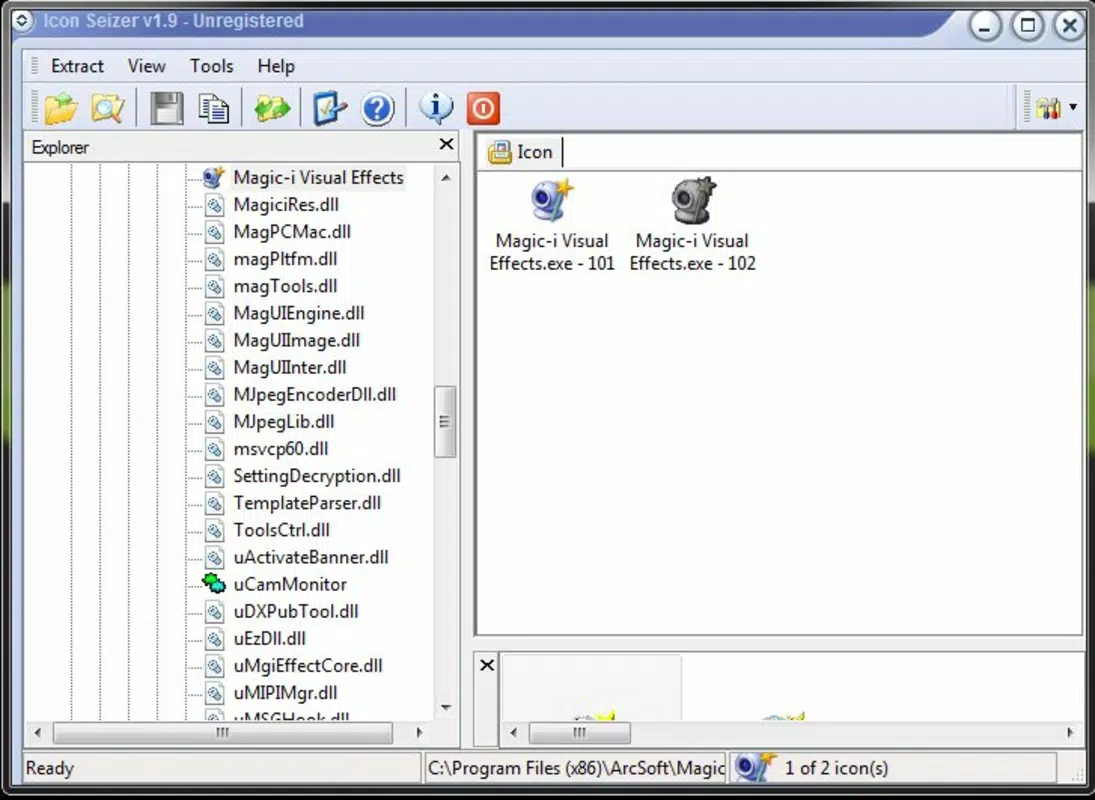
- Intuitive User Interface: Designed with simplicity in mind, the interface allows users to navigate through file contents and icon lists without requiring technical expertise, reducing the learning curve for new users.
- Clipboard Integration: Extracted icons can be copied directly to the Windows clipboard, facilitating immediate use in graphic design tools, desktop customization projects, or application development workflows.
- Free Customization Options: Users gain access to a built-in repository of system icons, eliminating the need to purchase commercial icon packs or create new designs from scratch.
- Stock Icon Repository: The app functions as a centralized hub for all embedded icons on the user’s system, allowing easy retrieval and reuse for folder icons, application shortcuts, or UI enhancements.
For example, a user might use Icon Seizer to extract a unique icon from a system .dll file and apply it to a custom folder shortcut, giving it a personalized appearance. Another scenario involves a developer retrieving an icon from an .exe file to reuse in a new software project. These real-world applications highlight the practical value of the tool in both personal and professional contexts.
Interface, UX & Performance
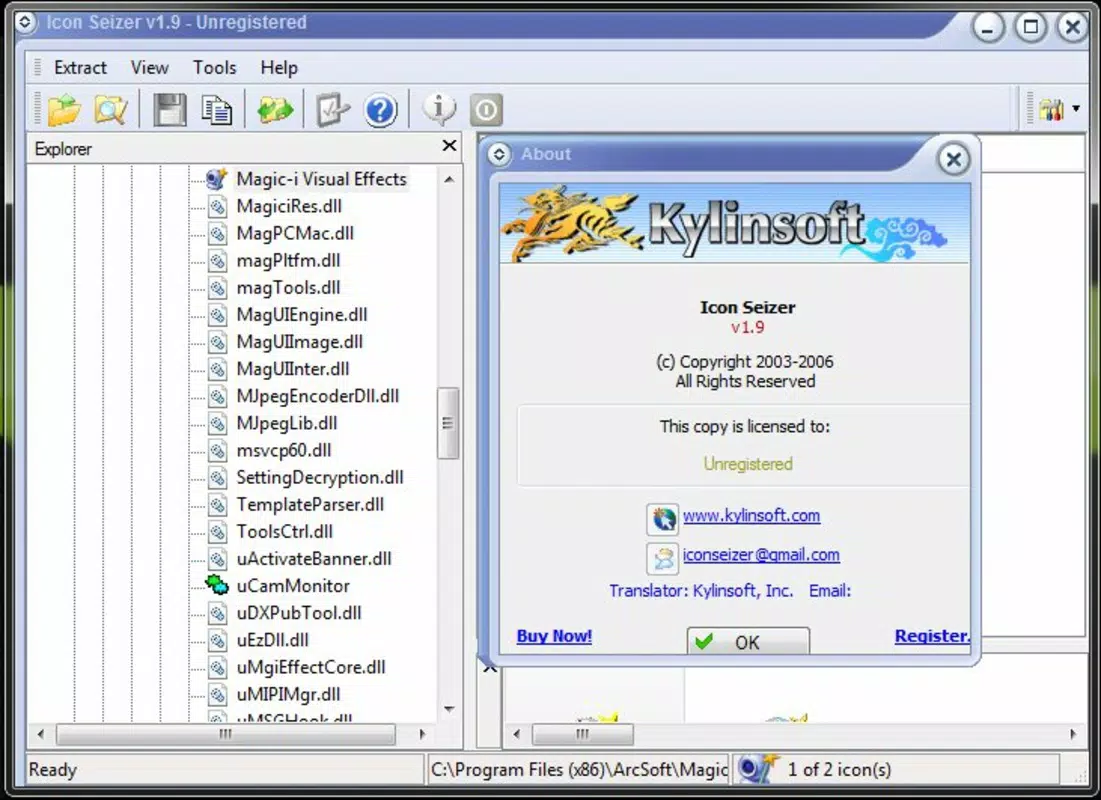
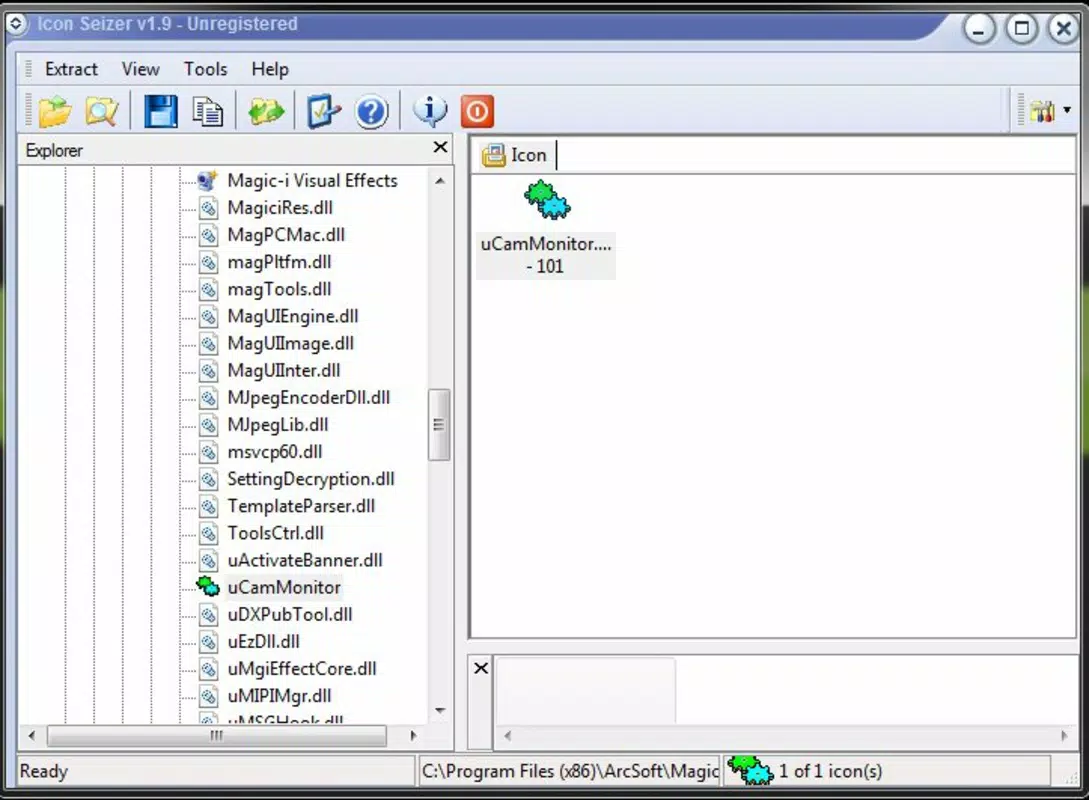
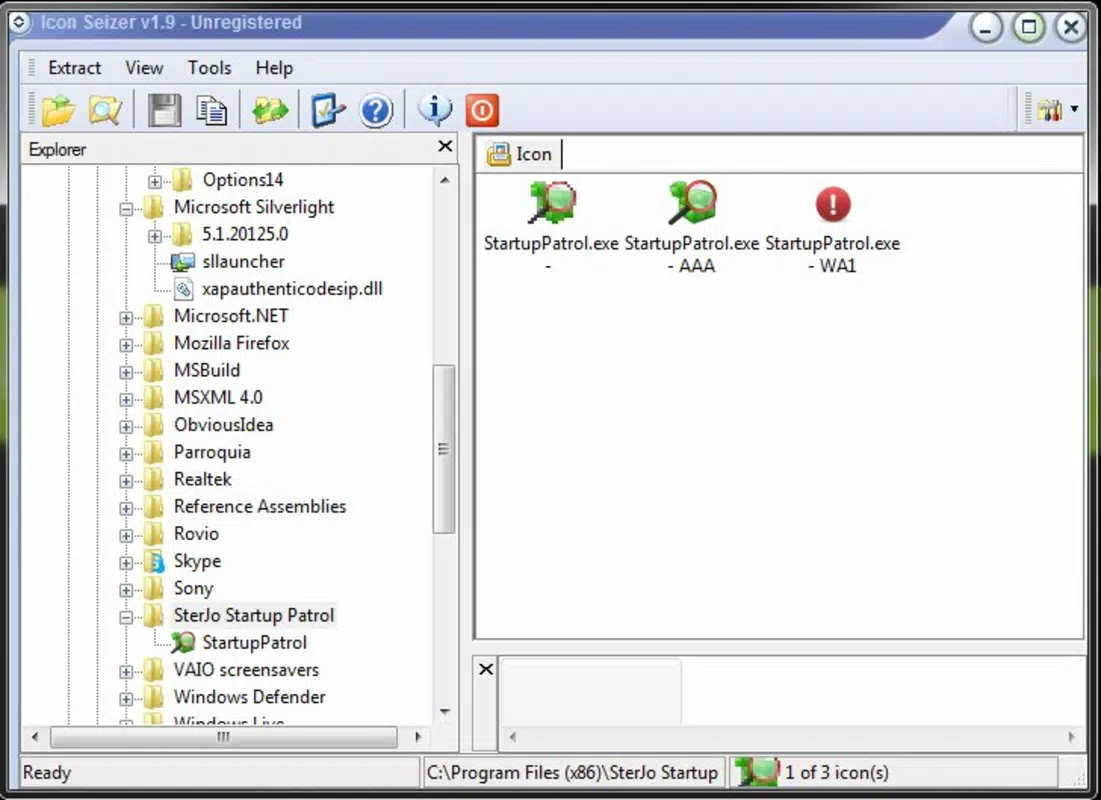
Icon Seizer features a clean, minimalistic interface focused on functionality and ease of access. The layout is structured to prioritize file navigation and icon preview, with clear visual indicators for selectable items. Users can browse through file contents and view thumbnails of available icons in a straightforward grid or list format.
Navigation is designed to be intuitive, with logical grouping of file types and quick access to extracted icons. The app responds promptly to user inputs, allowing for smooth transitions between file selection and icon extraction. Although the developer did not list formal performance metrics, the application’s small file size of 3.1 MB suggests efficient resource usage, making it suitable for use on older or low-spec systems.
Responsiveness across different device categories is not explicitly documented. However, given its compatibility with Windows and lightweight nature, it is likely to perform reliably on a range of desktop and laptop configurations. Stability appears consistent, as the app has remained in use since its release in 2013. The absence of reported crashes or bugs in public discussions further supports its reliability.
Platform Compatibility & Technical Requirements
Icon Seizer is designed for the Windows operating system. The current version is 1.0, with a file size of 3.1 MB, indicating a compact and lightweight footprint. This makes it suitable for systems with limited storage or older hardware.
The developer did not specify minimum OS requirements or compatibility details beyond the platform. As such, users should verify compatibility with their specific Windows version before installation. While the app has been available since 2013, its ability to function on modern Windows editions (such as Windows 10 or 11) is not confirmed in the provided data. Users are advised to test the application in a controlled environment if unsure about system compatibility.
Pros and Cons
Pros
- Supports multiple file formats including .dll, .exe, .ocx, .clp, and .drv
- Simple, user-friendly interface suitable for non-technical users
- Icons can be copied directly to the clipboard for immediate use
- Free to download and use without hidden costs
- Acts as a built-in repository for system icons on the user’s machine
Cons
- Specific OS compatibility details were not listed
- No information on update frequency or future development plans
- Does not support modern file formats beyond those listed
- Limited to Windows platform only
- Developer did not provide technical specifications or performance benchmarks
FAQ
Is Icon Seizer safe to download and install?
Yes, the application is free and does not require registration. However, users should ensure they download it from a trusted source to avoid modified or bundled versions.
Can I extract icons from any .exe file using this tool?
Icon Seizer supports .exe files that contain embedded icons. Not all .exe files may include visible icons, and the availability depends on how the file was compiled.
Does Icon Seizer work on Windows 10 and Windows 11?
While the app has been available since 2013, official compatibility with Windows 10 and 11 was not specified. Users are advised to test the application in a safe environment.
Is there a mobile version of Icon Seizer?
Currently, Icon Seizer is only available for Windows. There is no mobile version for Android or iOS.
How do I update Icon Seizer?
Since no update schedule was provided, users should check the official source regularly for new releases or version upgrades.
Final Thoughts
Icon Seizer remains a reliable and practical tool for users seeking to extract and reuse icons from Windows system files. Its lightweight design, broad format support, and free access make it a valuable addition to any desktop customization toolkit. While it lacks modern updates and detailed technical documentation, its core functionality continues to serve its intended audience effectively.
Individuals who enjoy personalizing their operating system, developers needing quick access to embedded icons, or system administrators managing visual assets will benefit most from this utility. The app delivers a strong value proposition by unlocking hidden graphical resources without cost or complexity.
Download Icon Seizer now


